
How to Link Your Ghana Card to Your Bank Account
As of July 1, 2022, all banks and certain applications require customers to update their information with Ghana Card details to process transactions.
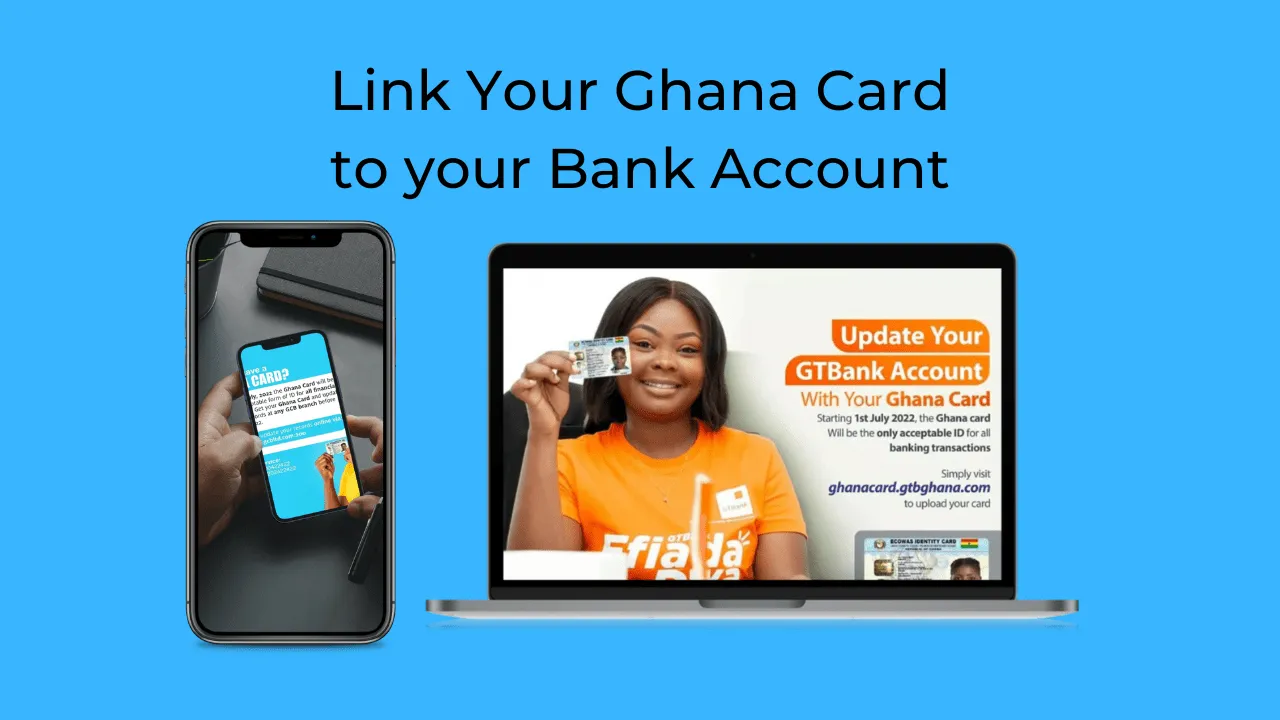
The Government Directive
As of July 1, 2022, all banks and certain applications require customers to update their information with Ghana Card details to process transactions. Banks have been authorized to restrict users from making any debit transactions if the user's info has not been updated with Ghana card information.
The update process is straightforward and involves these steps:
- Visit your bank's Ghana Card update page
- Enter your bank account number
- Upload front and back photos of your Ghana Card (some banks require a selfie)
- Wait for confirmation via email or message
How to Verify Your Bank's Website
Before submitting sensitive banking information, verify you're on the legitimate bank website by:
- Checking for the padlock icon in the address bar
- Clicking the padlock and reviewing the SSL certificate details
- Confirming the certificate is valid for your bank's domain
Ghana Banks with Public Ghana Card Links
Access Bank https://apps.ghana.accessbankplc.com/accountopening/GhanaCard
Cal Bank https://calweb.caleservice.net/customerupdate
Consolidated Bank https://cu.apps.cbg.com.gh/home/ghanacardupdate
Ecobank Ghana https://myghanacardupdate.ecobank.com/portal/
Fidelity Bank https://dpfbgl101.myfidelitybank.net:4017/cus-update
FBN Bank https://ghanacard.fbngroup.com:8445/ghanacard/
Guaranteed Trust Bank https://ghanacard.gtbghana.com/
Ghana Commercial Bank https://epay.gcbltd.com:200/
Prudential Bank https://digispace.prudentialbank.com.gh/
Standard Chartered Bank Use their Apple Store or Google Play Store apps
Stanbic Bank https://e.stanbic.com.gh:8002/self.serviceRequest/welcome
Zenith Bank https://apps2.zenithbank.com.gh/ghanacard/
If Your Bank Isn't Listed
Contact your bank directly by phone or chat to inquire about Ghana Card update procedures.
Share this article